
Best Monitor Arms for Your Home Office
If your neck hurts after a day of work, your screen is probably too low. A monitor arm lifts your display to eye level, frees up desk space and makes it easy to adjust your setup. Below are five arms that cover the main needs: premium build, heavy-duty support, slim design, dual screens and budget. Each one comes with honest pros, cons and a clear "best for".
Our top 5 monitor arms
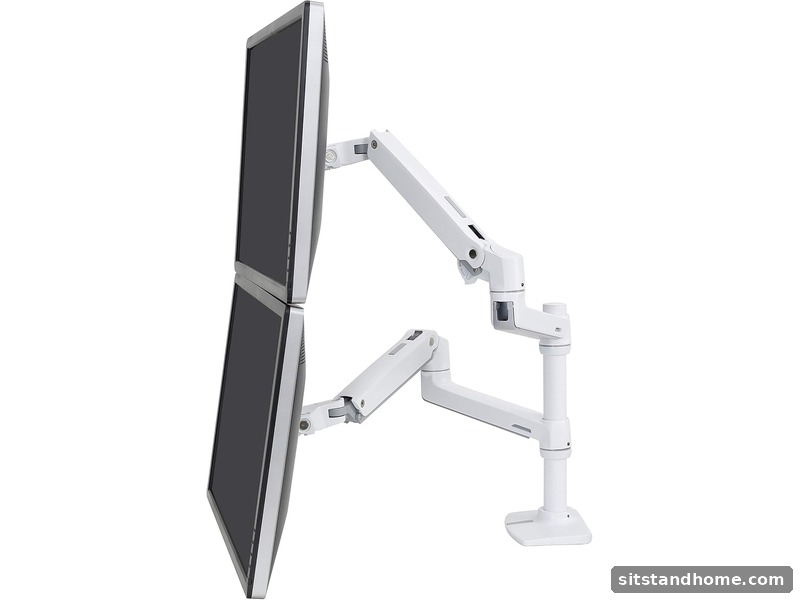 Best premium arm
Ergotron LX Desk Mount
Best for: most single-monitor setups that need smooth, reliable movement for years.
Pros: smooth gas-spring movement, sturdy build, wide adjustment range, long warranty.
Cons: higher price, and the weight capacity may not suit very large monitors.
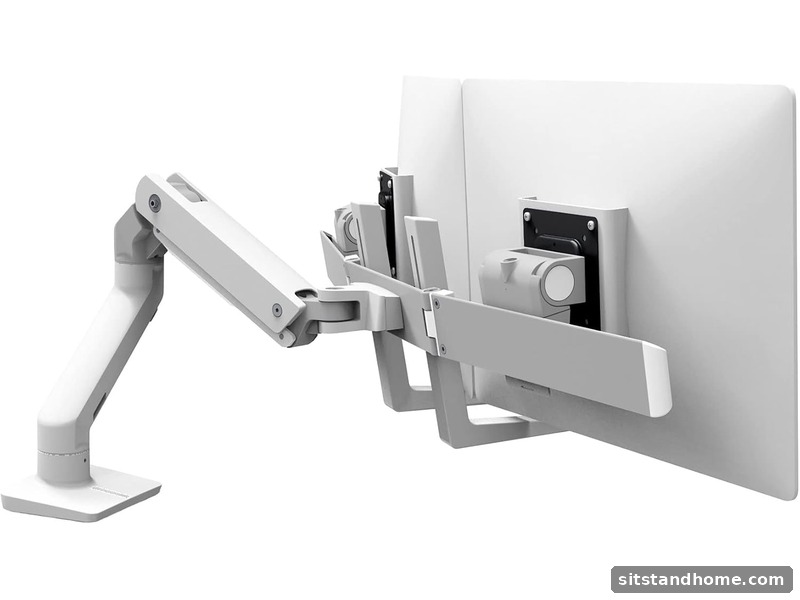 Best heavy-duty
Ergotron HX Desk Mount
Best for: large or ultrawide monitors that are heavier than standard arms can handle.
Pros: high weight capacity, strong and stable at full extension, smooth height adjustment.
Cons: bulkier look, higher price, and it may be more than most home setups need.
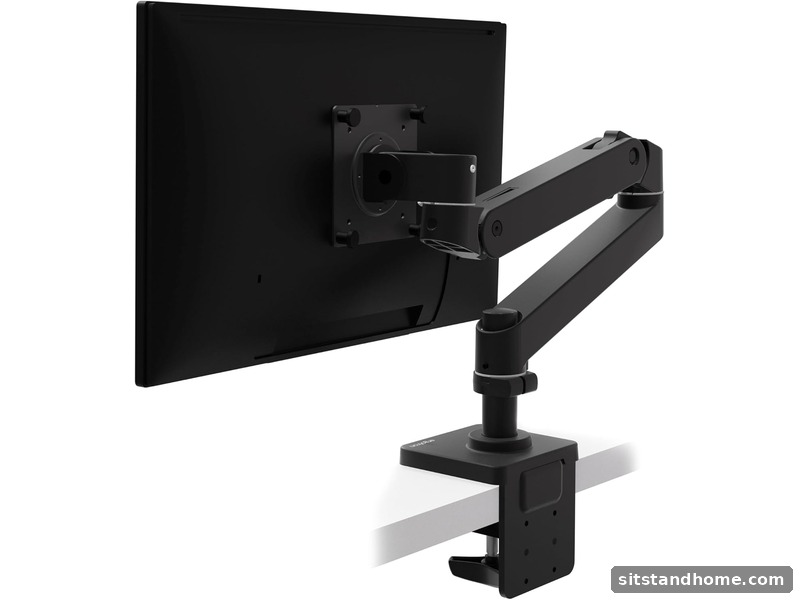 Best slim design
Humanscale M2.1
Best for: minimal workspaces where a clean, slim look matters.
Pros: slim profile, fluid movement, clean cable routing, premium finish.
Cons: premium price, and it is less suited to very heavy monitors.
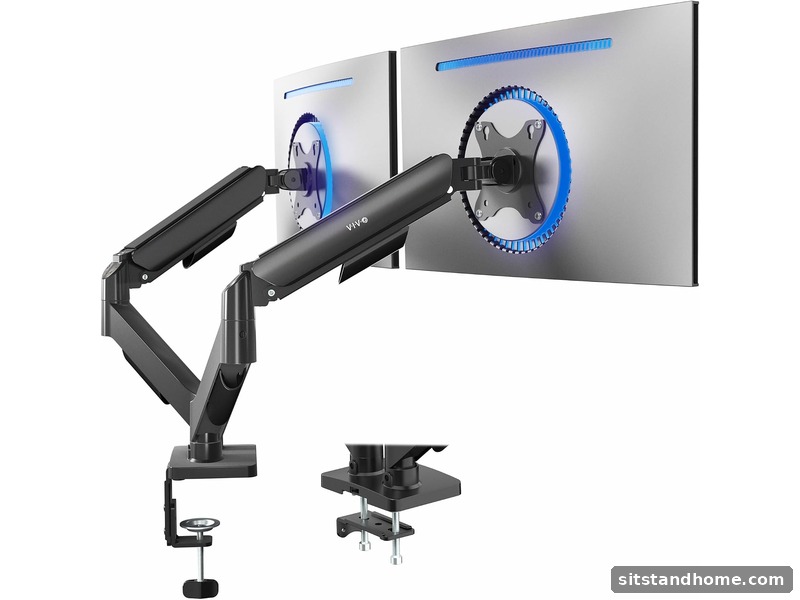 Best for two screens
VIVO Dual Monitor Arm
Best for: coding, trading or multitasking setups with two monitors on one desk.
Pros: supports two screens at a friendly price, saves desk space, easy to install.
Cons: build quality is less refined than premium arms, and it needs a sturdy desk.
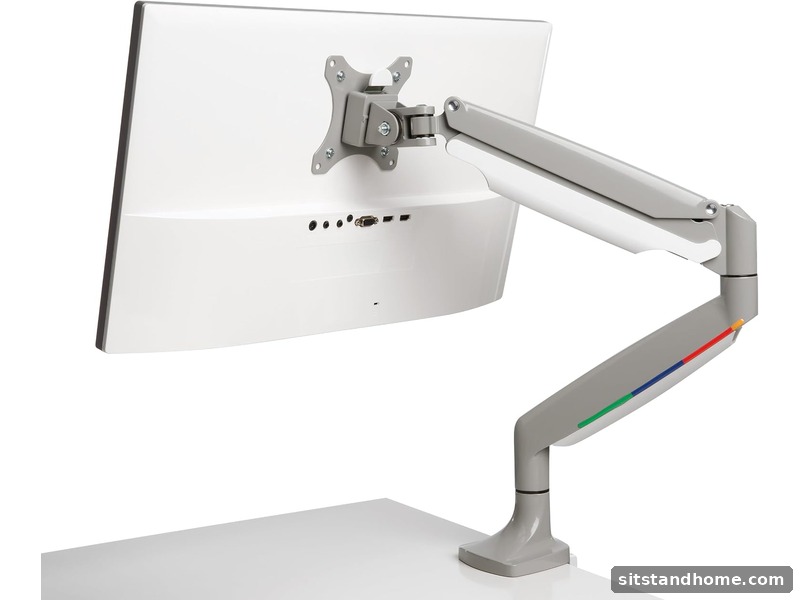 Best budget
Kensington SmartFit One-Touch
Best for: a simple, affordable single-monitor arm from a well-known accessory brand.
Pros: low price, easy clamp installation, one-touch height adjustment, reliable brand.
Cons: lighter weight capacity and fewer adjustments than premium arms.
Quick comparison
| Arm | Screens | Best for | Price level |
|---|---|---|---|
| Ergotron LX | Single | Premium, smooth long-term use | High |
| Ergotron HX | Single (heavy) | Large or ultrawide monitors | High |
| Humanscale M2.1 | Single | Slim, minimal setups | High |
| VIVO Dual Arm | Dual | Two-screen budget setups | Low to mid |
| Kensington SmartFit | Single | Simple budget arm | Low |
What to check before you buy
1. VESA pattern
Most monitors use 75x75 mm or 100x100 mm mounting holes. Check your monitor's spec sheet first. This is the most common reason people buy the wrong arm.
2. Weight capacity
Choose an arm rated above your monitor's weight. A margin keeps the arm smooth and reduces drooping over time.
3. Mounting type
A clamp attaches to the desk edge with no drilling. A grommet goes through a hole in the desk and is often more stable. Check your desk thickness, and drill only if you are comfortable doing so.
4. Range of motion
Look for height, tilt, swivel and rotation (portrait mode if you need it). Gas-spring arms adjust smoothly and hold their position well.
5. Single or dual
If you use two screens, a dual arm saves space and keeps both displays aligned. Make sure your desk can handle the combined weight.
Setup tip: place the top of the screen at or just below eye level, about an arm's length away. Your neck should feel relaxed, and your eyes should not have to look up or down.
Frequently asked questions
What is VESA compatibility?
VESA is the standard hole pattern on the back of a monitor, usually 75x75 mm or 100x100 mm. Check your monitor's manual or spec sheet to confirm which pattern it uses.
Clamp or grommet mount?
Clamp mounts attach to the desk edge with no drilling. Grommet mounts fit through a hole in the desk and are very stable. Choose based on your desk and whether you can drill.
Can a monitor arm hold a laptop?
Yes, with a laptop tray or stand, as long as the weight is within the arm's limit. Many people pair a raised laptop with an external keyboard and mouse.
Keep going
Pair your arm with a standing desk or a supportive chair, then use our home office setup guide to tie it all together.
SitStandHome earns commissions from some links on this page. This does not change our recommendations. Always confirm VESA and weight specs against your monitor, and check the brand's current listing before you buy. Read our affiliate disclosure.